Inventory management
Getting Started
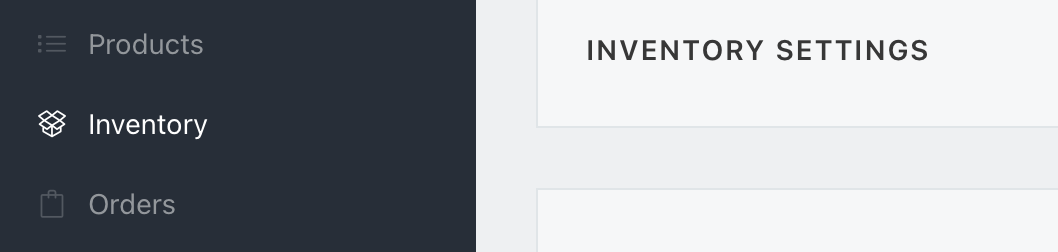
In order to manage inventory in Virtual Market, you first need to enable Inventory Tracking. After logging in to you Vendor account, click Inventory in the nav.
Then, in the inventory Settings panel, toggle on Track Inventory
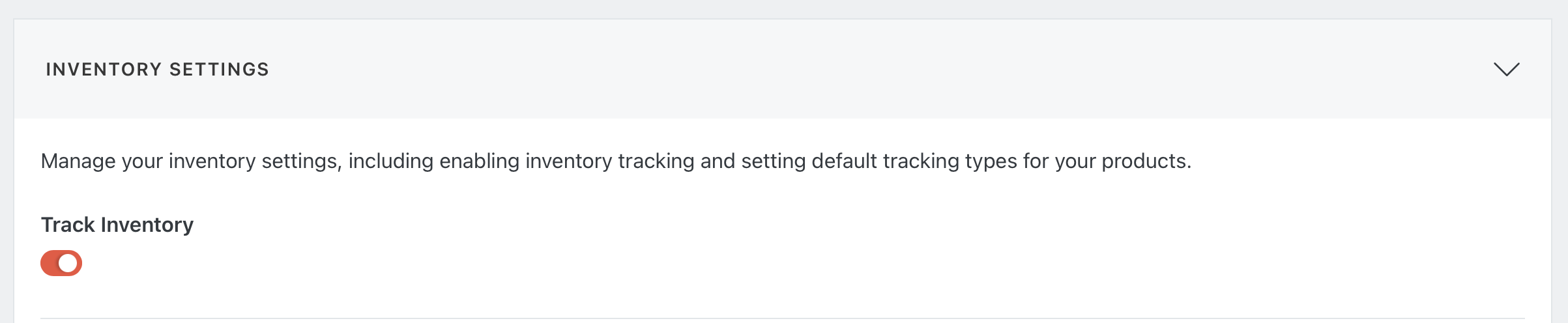
You can also select a default inventory tracking type. This can be overridden on a per-product basis later

Tracking Types
For each product in your system, you can select how you would like to track inventory:
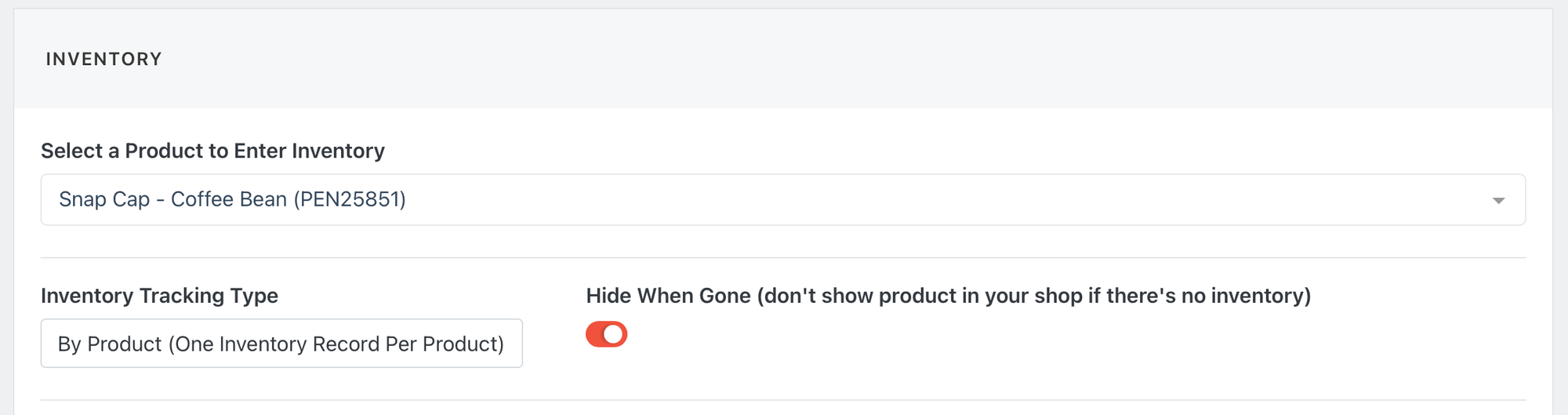
No Tracking: No inventory for this product, it will always show as available in your shop.
By Product: A single inventory count for the product, regardless of variations.
By Option: Individual inventory for each sub-set of product options. For example, inventory for the Red, Small variation, separate from the Blue, Large variation.
By Product Tracking
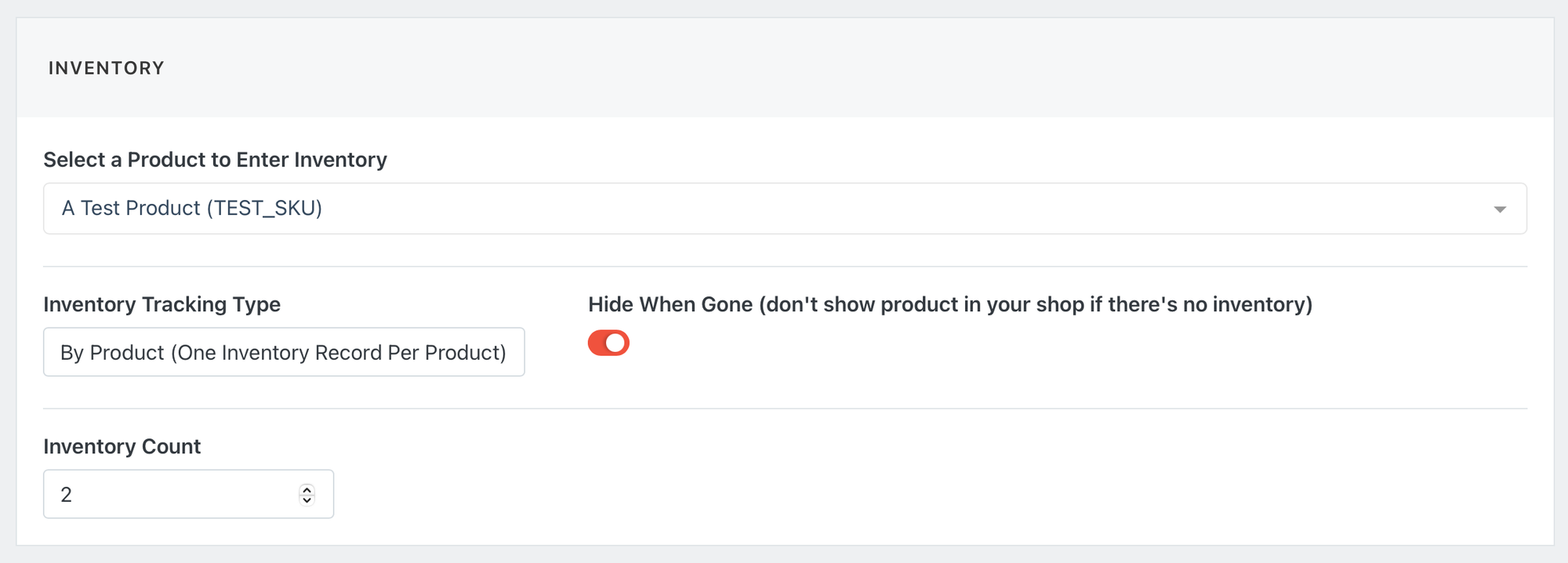
This allows simple tracking of inventory per Product. To use By Product tracking, go to the inventory screen and select your Product from the drop down, then select By Product from the Inventory Tracking Type dropdown. This will give you a simple Inventory Count field that applies to the product.
By Option Tracking
Setting up by option tracking involves a couple extra steps.
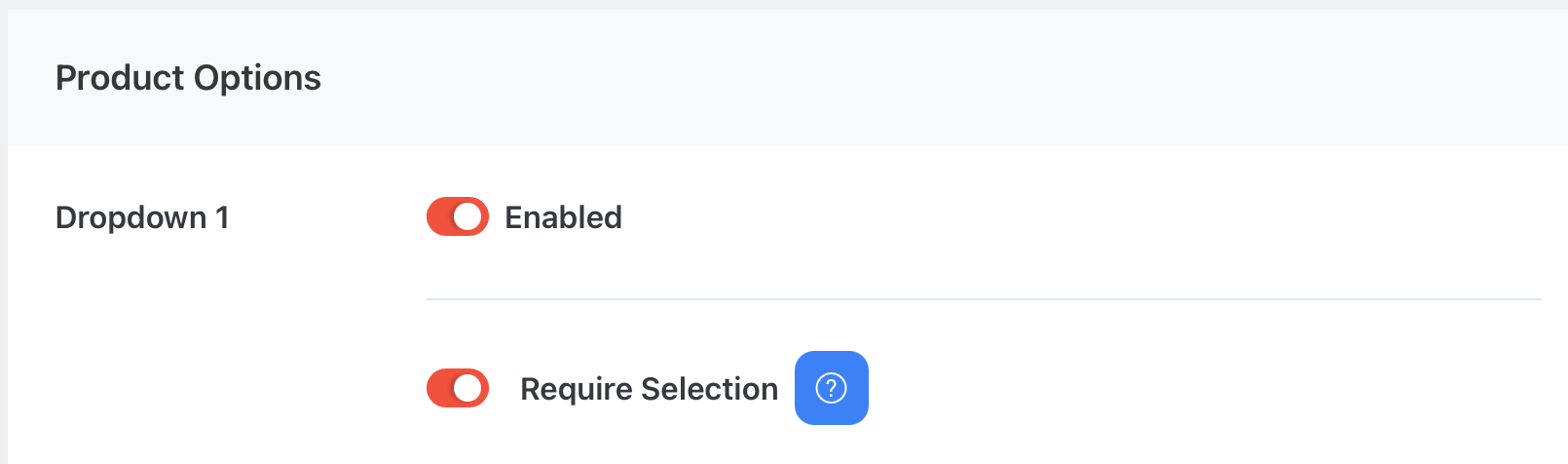
First, when Creating or Editing the Product, you'll need to toggle on Require Selection in order for that option to be inventory trackable
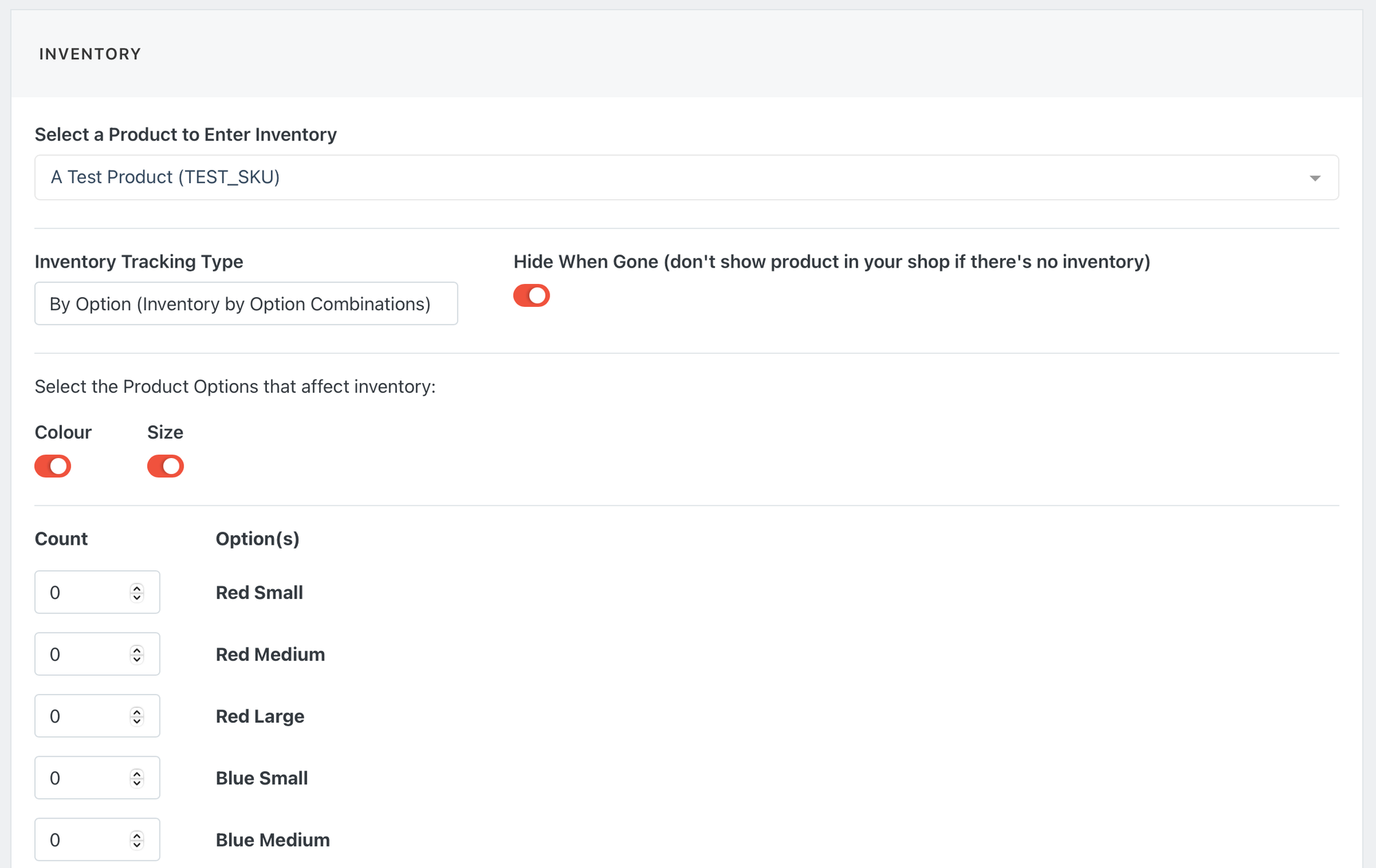
Then, go to the Inventory page and select your product from the drop-down and change the Inventory Tracking Type to By Option.
You'll see your product options appear as toggles. Enable the toggle to track inventory for that option. If you enable multiple toggles, you will see combinations of the toggles created automatically for tracking.
Hide When Gone
When managing inventory, you can toggle on/off the Hide When Gone flag.
- When this is enabled, then the selected product will be hidden from your shop when inventory is zero.
- When this is disabled, then the selected product will still show in your shop, but it will show as Out of Inventory, and Shoppers will be unable to add it to their cart.